Typinator provides quick text input for you
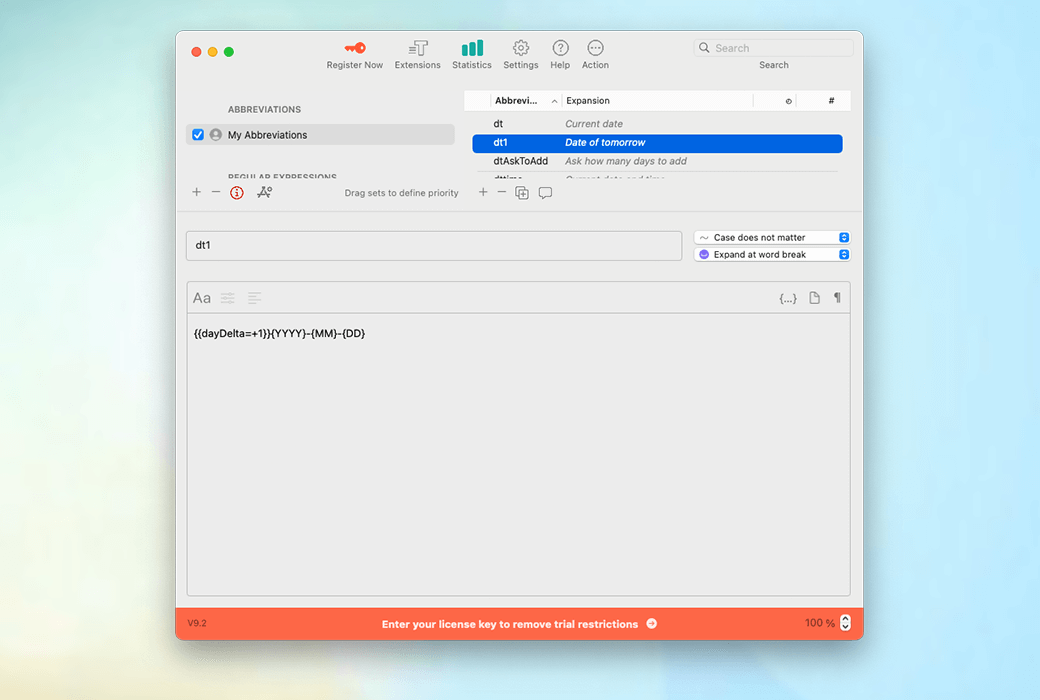
Typinator 9 has a fresh and modern interface designed to improve your work efficiency, accelerate workflow, and prevent you from repeatedly entering the same content.
Just press the keyboard a few times to insert text anywhere.
By using our pre-defined abbreviation set or custom abbreviations, you can save time and improve writing efficiency through templates! You can also share your collection of abbreviations with others. For businesses, ensuring a clear corporate image has never been so simple.
Write high-quality and error free text
This convenient feature will automatically correct errors when you input, ensuring text quality. Do you want to ensure that you (or your colleagues) never misspell certain names or terms? You can add company exclusive or personal error correction rules to this tool!
Not just templates
Typinator allows you to input any type of template text, as well as more content such as names, dates, formulas, variables, images, calculations, codes, and more. What is the best? All functions can be used within the system and are applicable to all programs and applications.
Can work collaboratively with your favorite Mac applications across the system
Typinator supports shortcut keys for all macOS applications. Here are some popular applications that can help you improve work efficiency: Safari, Google Docs, Mail, Outlook, Word, Teams, WhatsApp, Slack.
Reduce input and save time
- Create your own template
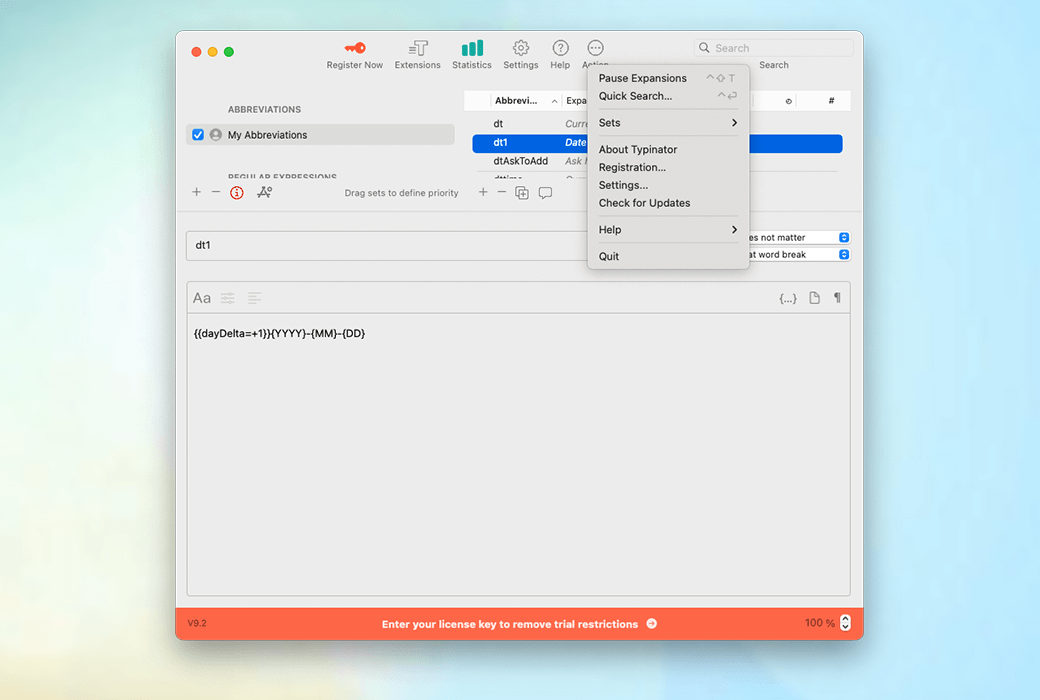
Are you still typing the same text over and over again? Typinator allows you to create various types of templates, which can be easily added by simply entering a short abbreviation. You can define templates for text blocks, images, links, short HTML codes, and more... everything you need!
- dynamic content
The extension can include dynamic items such as clipboard content, current date and time, calculations, date calculations, and so on.
- Customizable samples
If you are using similar template code and only need a small amount of configuration, you can use input forms to adjust the text.
- Set cursor position
Place the cursor at the desired position in the template and immediately continue writing from there.
Effective anytime, anywhere
- All programs provide abbreviations
Once set, it can be permanently used. Typinator runs in the background without the need for reconfiguration in each application. It can also adapt to different workflows, and you can define shortcut keys for specific programs.
- Quick Search
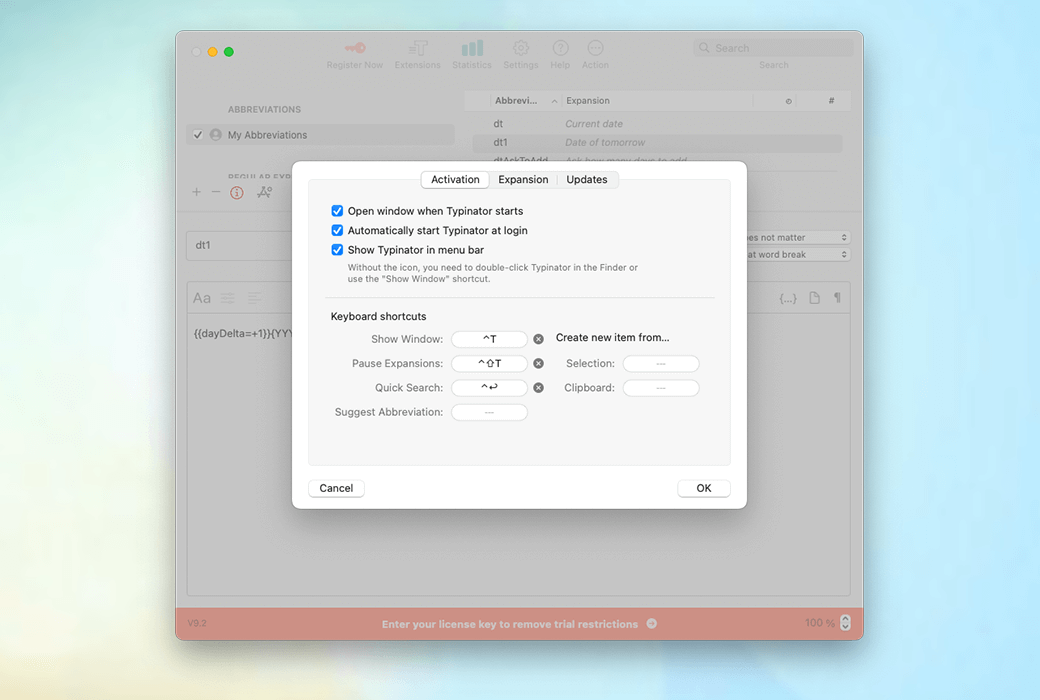
With the quick search function, you can easily search within code snippets and directly insert them into the program you are currently using. This feature can run perfectly throughout the entire system.
- Available in 4 language versions
Typinator offers English, German, French, and Spanish versions. Enjoy the convenience of saving time in your native language!
Say goodbye to mistakes and embrace consistency.
- Automatic correction
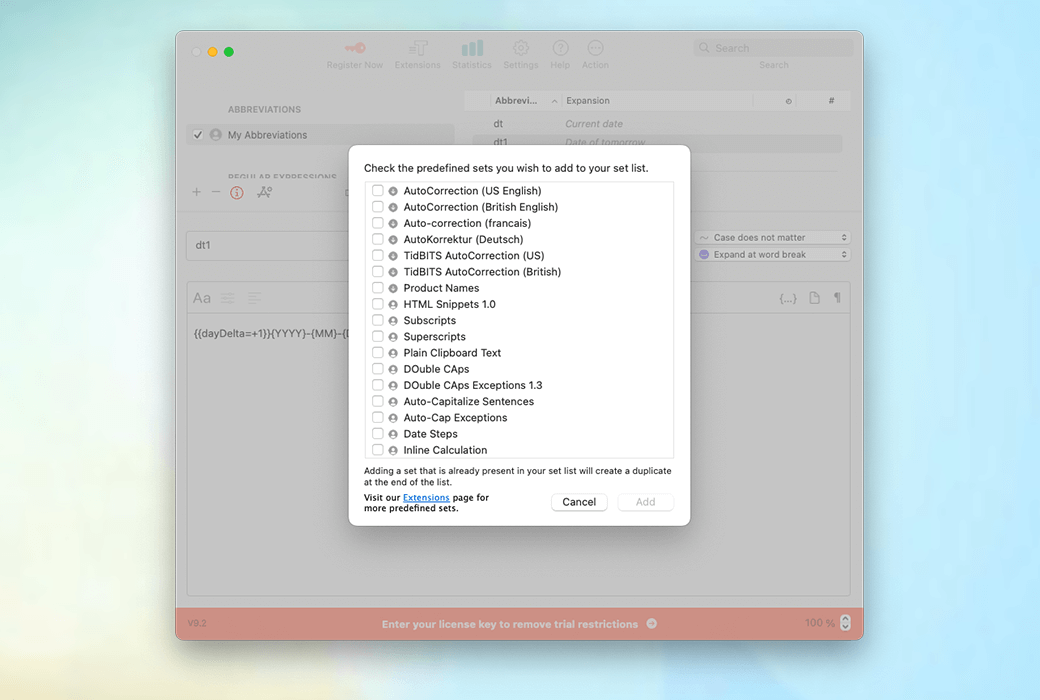
Using pre-defined automatic error correction sets, covering various fields and languages, spelling errors can be automatically corrected. These error correction sets contain thousands of carefully designed error correction rules that can effectively correct spelling errors even if you use multiple languages. Even better, you can also add your frequently made spelling mistakes.
- Unified Enterprise Language
Building the foundation for efficient communication: Ensuring a clear corporate image has never been easier. Typinator ensures that all employees use the correct terminology and wording to ensure consistency of text throughout the organization.
- Share resources with colleagues
Using the same language helps to collaborate better. Easily share your document collection with colleagues using Dropbox. Save time and improve efficiency.
Suitable for various types of teams
customer support
- When writing emails and follow-up emails, use commonly used greetings, signatures, and phrases to ensure a clear corporate image.
- Quickly and easily respond to common questions using pre written replies
- Provide step-by-step instructions and common troubleshooting solutions for assistance
- Collect customer information to better understand common issues
- Handling pre written responses in multiple languages
law firm
- Enter legal terms without manual input or search
- Real time automatic correction of input errors
- Quickly and easily write repetitive sentences using simple abbreviations
- Easily draft contracts that include standard terms and legal language
doctor
- Quickly and easily write patient medical history and current condition records, and insert commonly used medical terms and phrases.
- Prepare prescriptions for commonly used prescription drugs, including dosage and instructions for use.
- When writing a referral letter, please use commonly used medical terms and phrases and provide patient information.
- Write a report on the patient's condition and treatment plan using commonly used medical terms and phrases